
This month brings four updates built around one idea: less busywork, more coaching. From a faster way to get started on Everfit to smarter data syncing and a more visible way to set up task, every update helps you spend less time managing your tools and more time coaching your clients.
Sign up right from the Coach App
Everfit gives you two ways to coach, and each is built for a different moment in your day:
- Coach Mobile App: Built for coaching on the go. Message clients, assign workouts, manage clients, and track their progress quickly from your phone, wherever you are.
- Coach Web App: Your full command center. Build and edit complete programs, manage your client roster and team, set up automation (like Autoflow), handle billing and payments, and access the complete depth of Everfit’s nutrition, branding, and reporting tools.
Coaches can now get started with Everfit faster and easier than ever. Directly signing up and creating a new coach account on the Coach Mobile App. You don’t have to use the browser.
- Sign up with Email & Password.
- A short onboarding questionnaire captures your role, business type, client count, experience, and the services you offer, so your Everfit experience is set up around how you actually coach.
- Add your clients, invite them to join Everfit Client App and start training. You can also message them and set up simple workouts right away.
Deeper sync with Cronometer & Oura
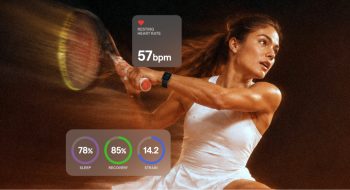
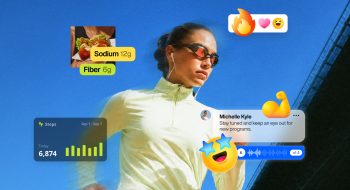
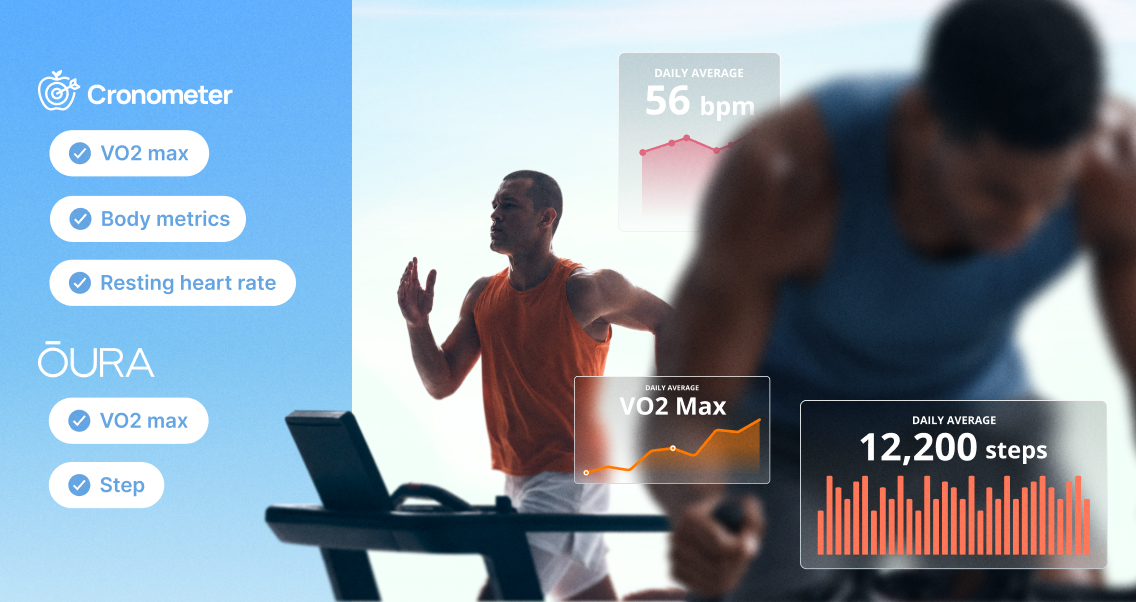
Everfit now pulls in more biometric data automatically, so you can see the full picture of your clients’ health without asking them to log a thing.
- Cronometer: In addition to food logs, Everfit now syncs body fat, weight, height, VO2 max, and resting heart rate.
- Oura: In addition to existing data, Everfit now syncs VO2 max and step count.
What does it mean?
- Fewer manual check-ins, more accurate data — automatically.
- A more complete view of client’s recovery, cardiovascular health, and body composition trends, right where you already coach.
Create tasks faster with new templates
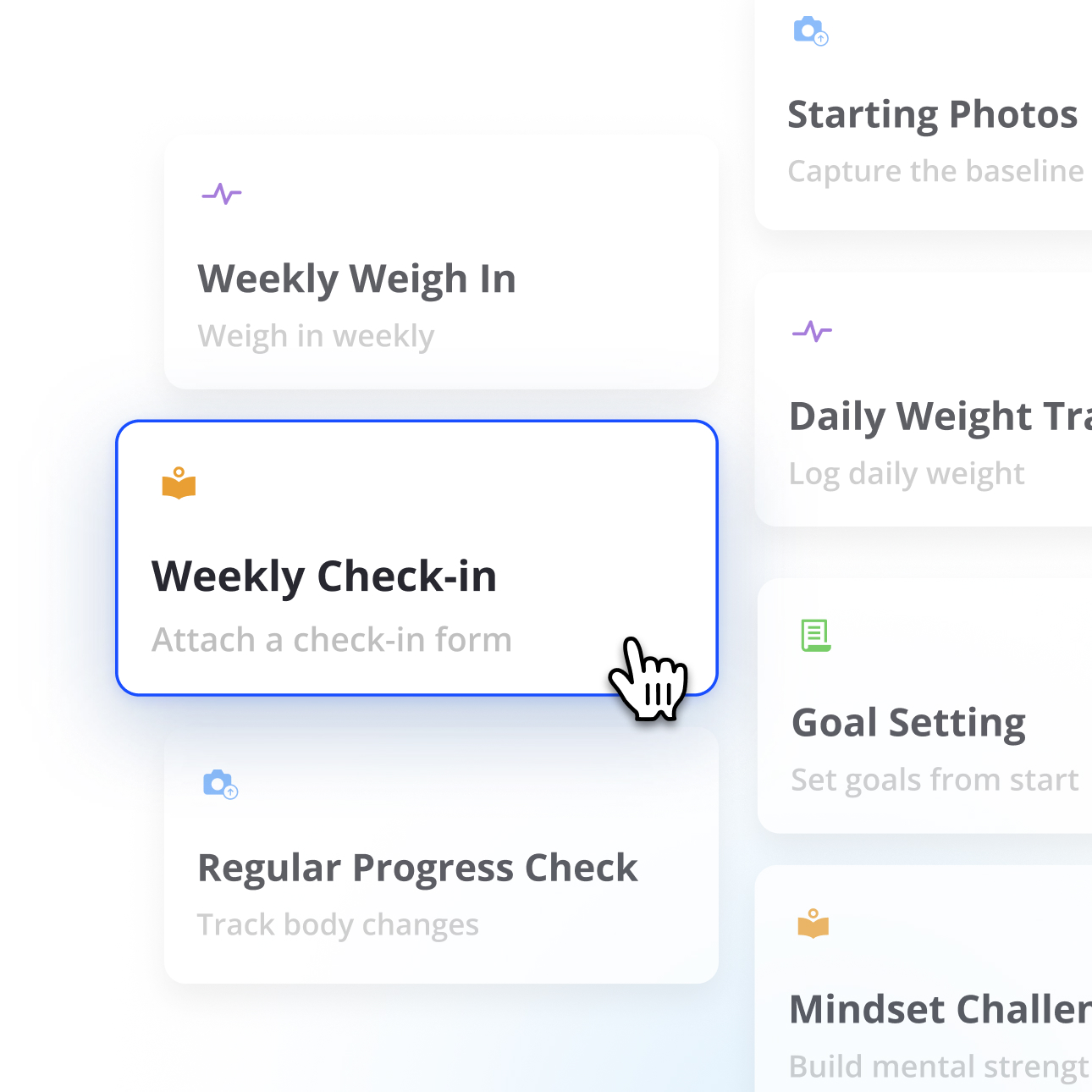
Building the same check-in or assessment from scratch, every time, is one of the biggest time drains in coaching. Every task category now comes with pre-built templates ready to assign:
- General: 4 templates
- Progress Photo: 3 templates
- Body Metric: 4 templates
- Form: 3 templates
Link previews when sharing a URL in Messages
When you or your client share a URL in Messages or Comments, Everfit automatically generates a rich preview with a title, image, and description.
What does it mean?
- Links you send look more credible and are more likely to get clicked.
- Clients instantly know what they’re opening, instead of a plain, easy-to-ignore URL.
All updates are live now
Log into your Coach and Client Apps today and explore all new updates!
Also read: