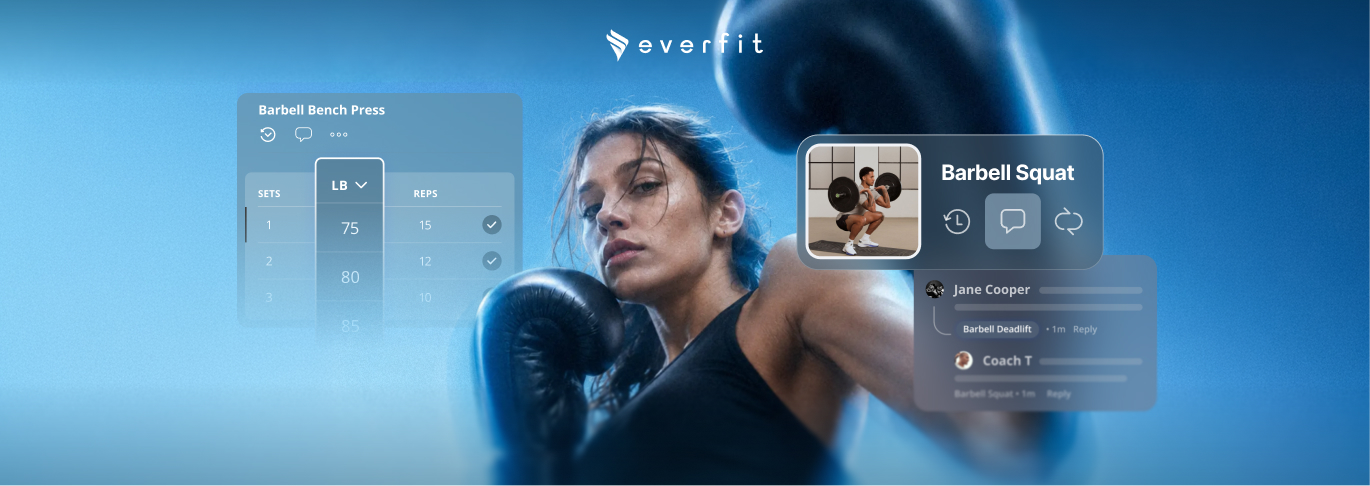

This month brings five powerful updates built around one idea: less friction, more coaching. From smarter workout logging to richer nutrition insights and a refreshed community experience, every update helps you and your clients stay focused on what matters most.
Highly-requested: Auto-fill client weights and reps
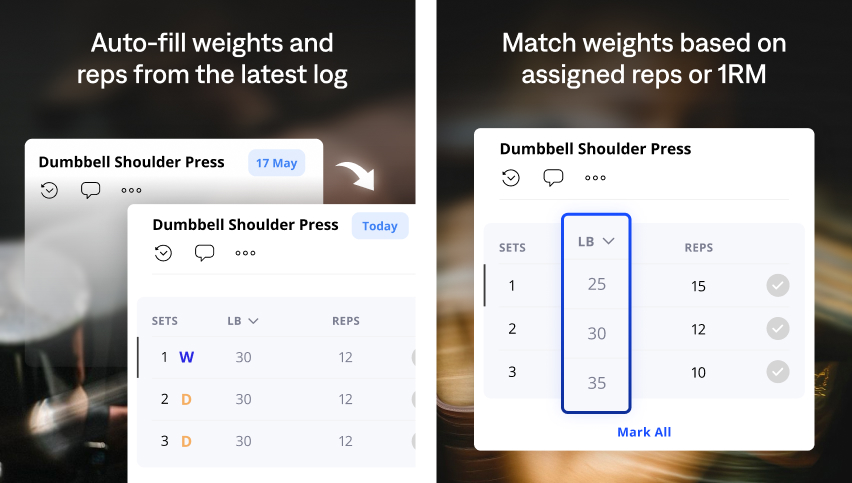
Clients now start every session with weights and reps already filled in — pulled automatically from their past performance. No more starting from scratch each workout.
2 ways that weights and reps will be calculated:
- Based on their past performance: Everfit looks up their most recent completed session for each exercise and pre-fills the values based on matching set type.
- Based on the 1RM: If reps are assigned but the weights are blank, and there’s no history exists, it calculates a suggestion based on the client’s one-rep max (1RM)
What does it mean?
- Clients show up to every session ready to work. No time wasted trying to remember last week’s numbers.
- Keeps momentum high and reduces the mental load of logging.
- Clients can turn autofill on or off anytime.
Learn more about the formula and different use cases of the auto-filled.
Highly-requested: Exercise comments are now on web
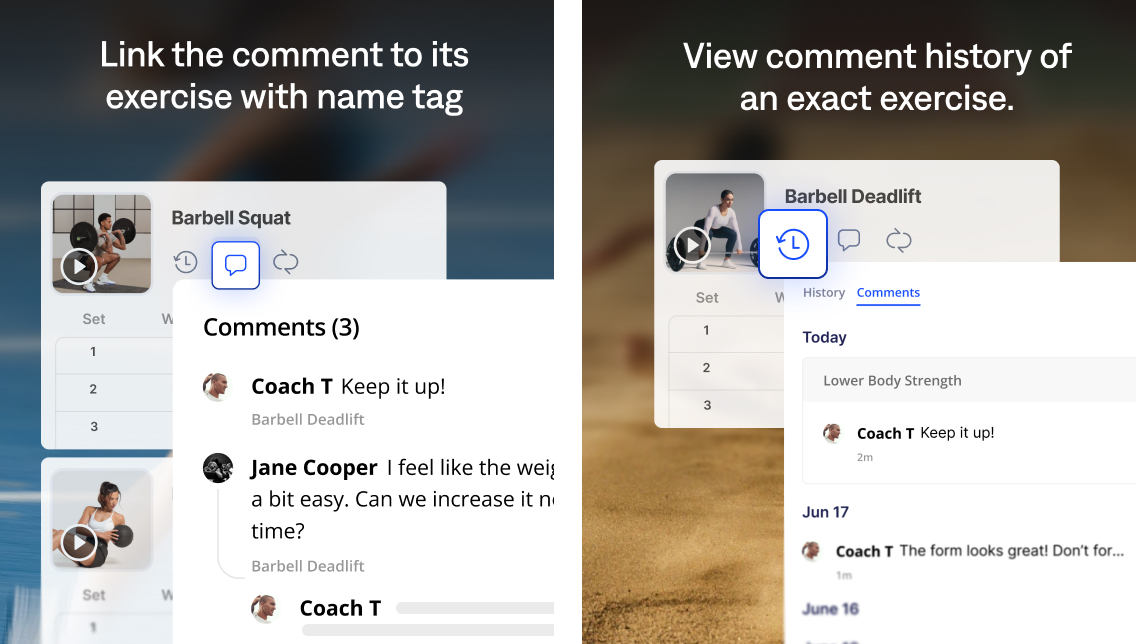
You can now view the full comment history for any exercise directly on the Everfit Web App.
Exercise comments are one of the most important coaching signals in the platform. They capture form cues, progression notes, pain flags, and client feedback across every logged workout.
Here’s what new:
Learn more about Exercise Comment History →
Highly-requested: Send video notes from your browser
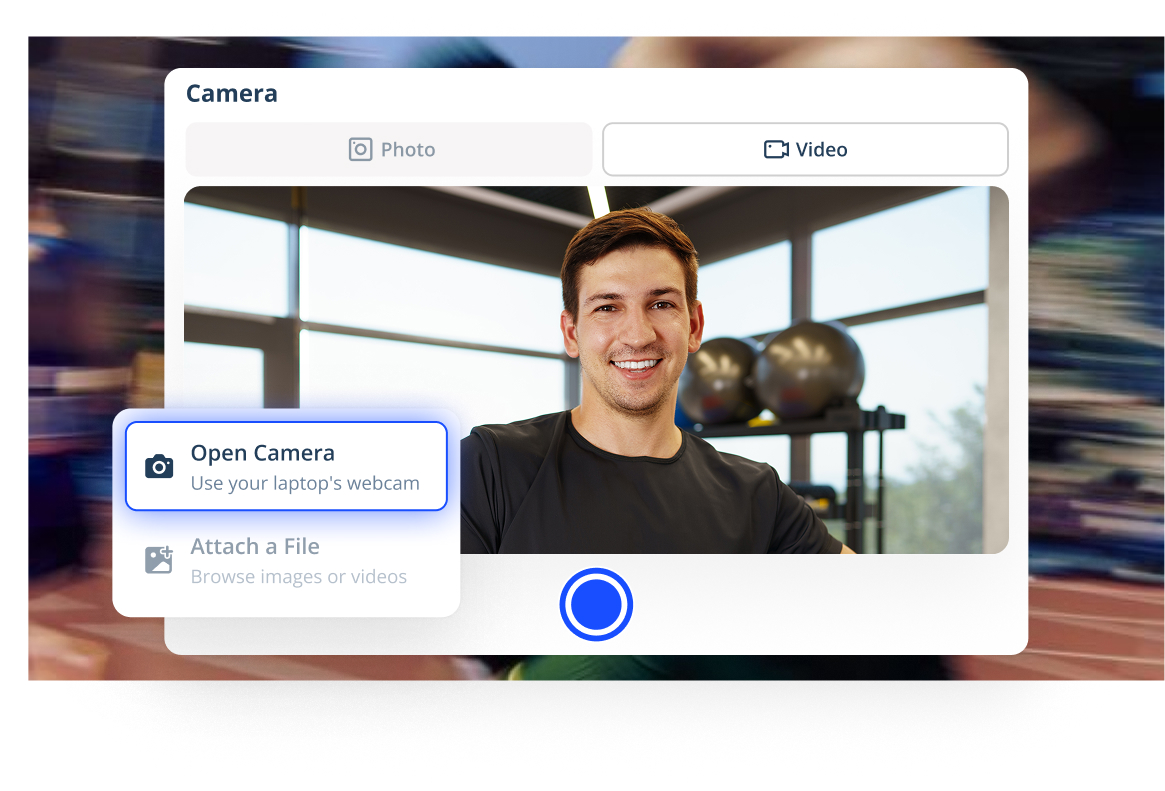
You can now quickly record a video from your laptop’s webcam and send to clients for detailed feedback and guidance.
- Capture a photo or record a quick video.
- Trim the video to cut unwanted parts.
- Change the video quality.
- You can send the video through Inbox or Comment section.
Learn more about Open Camera to record video notes
Every meal, perfectly sorted
Nutrition logs are now organized by meal category — Breakfast, Lunch, Dinner, and Snack so you can see exactly what your clients ate and when, at a glance.
What does it mean:
- Spotting patterns just got easier.
- Clients stay mindful about their eating habits throughout the day.
Learn more about the Meal Category tag →
Brand your community with custom banners
You can now set a custom banner image for your Community — welcoming members with visuals that reflect your brand, your coaching identity, or the culture of your group.
Not sure where to start? Choose from a curated selection of default options in the Everfit gallery.
Some tips:
- Use an image that communicates your niche — a running photo for endurance coaches, a clean nutrition flat-lay for nutrition-focused programs, a team training shot for sports coaches.
- Images with bold visuals and little or no copy tend to perform best.
- Refresh your banner seasonally or when launching a new program to signal momentum to your community.
Free access to MacroSnap for coaches on Paid plans
Coaches on any paid Everfit plan can now experience MacroSnap at no additional cost. All you need is a client account with the same email as the coach account.
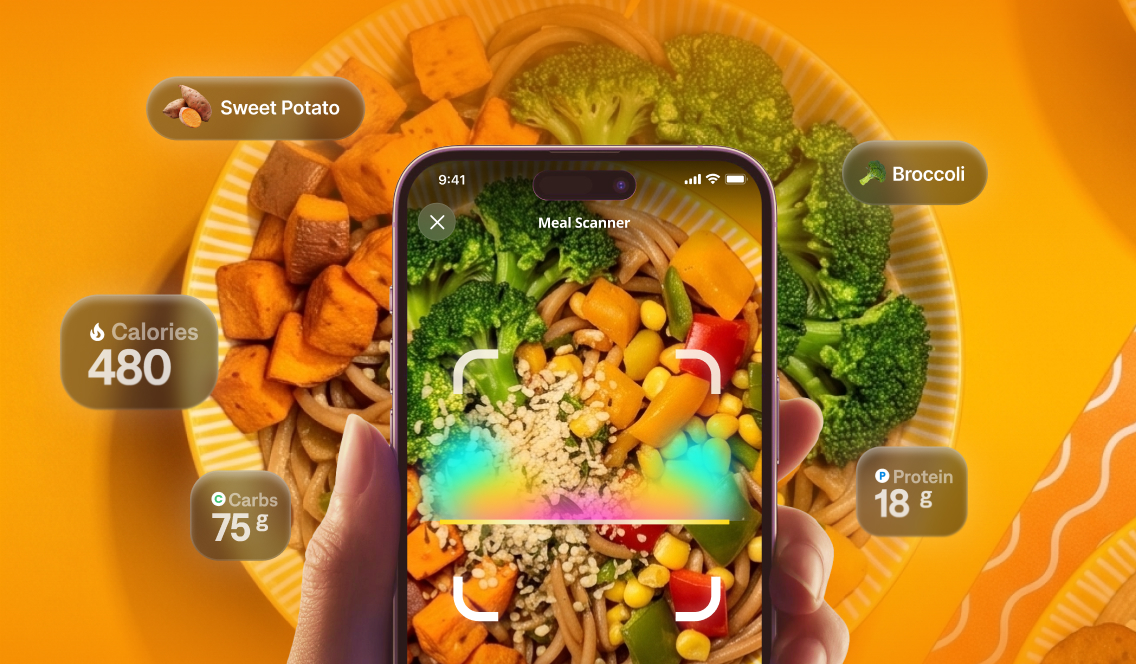
- If you’ve already had it: Just log into the Client App with your coach email and start tracking right away.
- If you’ve haven’t had it: Add your coach email as a client on Everfit or through the Invite client link. Then log into the Client App with that email and you’re in.
Learn how to claim my MacroSnap subscription →
All updates are live now
Every feature above is available today on the Coach and Client apps. Go explore them now!
Also read: