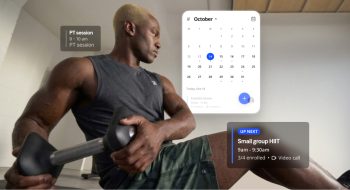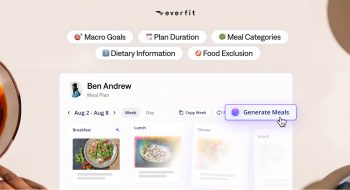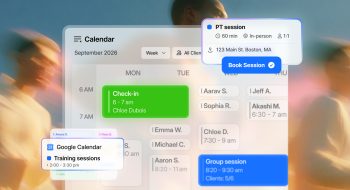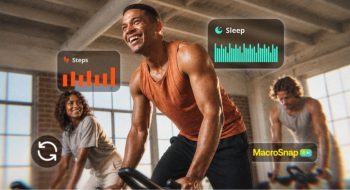

This month brings 6 updates built around one idea: coach on facts, not guesswork. You can now see what clients actually completed right in your Master Planner, track every metric a complex exercise needs, and bring WHOOP recovery data into your coaching.
On top of that, clients get a smoother Apple Watch workout start and you get many small updates to help with your business management.
Logged workouts are now in your Master Planner
Your Master Planner now shows the workouts clients have completed, right next to what you assigned. You can compare assigned and logged metrics side by side, show or hide logged workouts depending on how you like to plan, and choose whether assigned values stay visible once a workout is logged.
If a client missed the target reps on their top sets, or moved more weight than prescribed, you see it in the same view where you plan their next week.
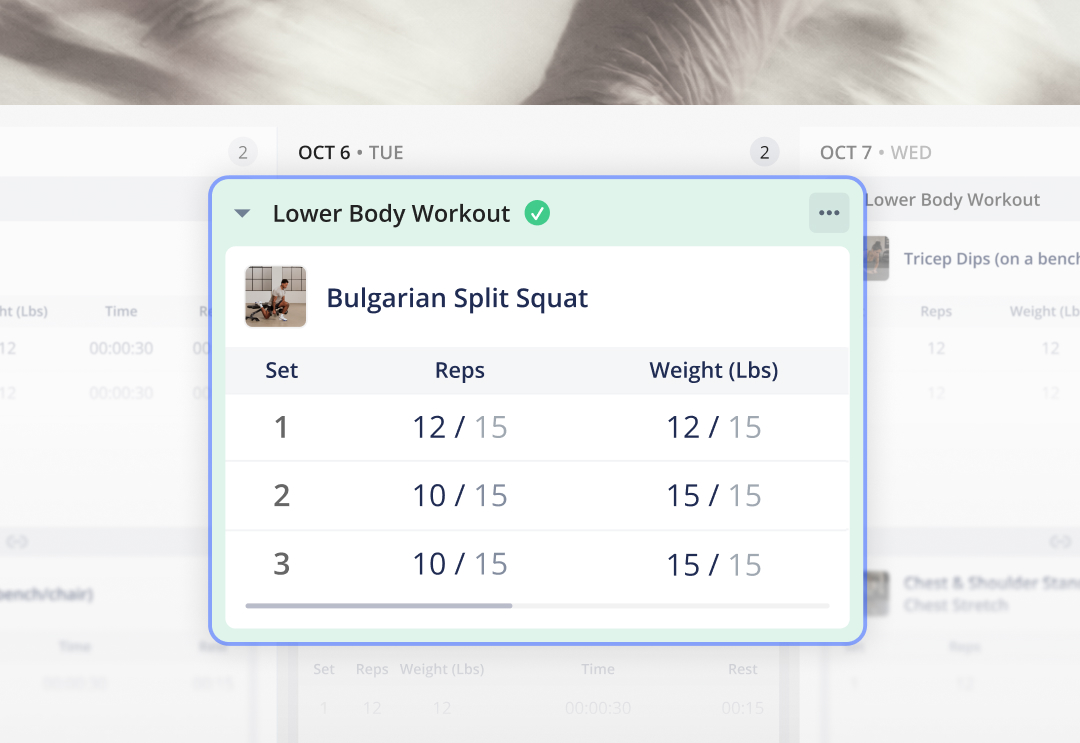
Best way to use it:
- Before building a new block, turn on logged workouts and scan the last 2 to 4 weeks. Progress where clients beat their targets, and hold or deload where they fell short.
- For hands-off clients, hide logged workouts to keep your view focused on upcoming programming.
- For check-ins, keep assigned values visible so you can point to exactly where a client is ahead or behind.
Learn how to show logged workouts in Master Planner
Track more than 4 fields per exercise
Each exercise used to be capped at 4 tracking columns. Now you can add as many fields as you need for an exercises from our list of total 13 tracking fields, including speed, cadence, RIR, RPE, heart rate, and more beside traditional weight and reps.
On mobile, clients swipe through the metrics to log them, while the Set and check-mark columns stay pinned in place.
Every variable lives in its own field, so the data is clean, comparable week to week, and shows up in client history.
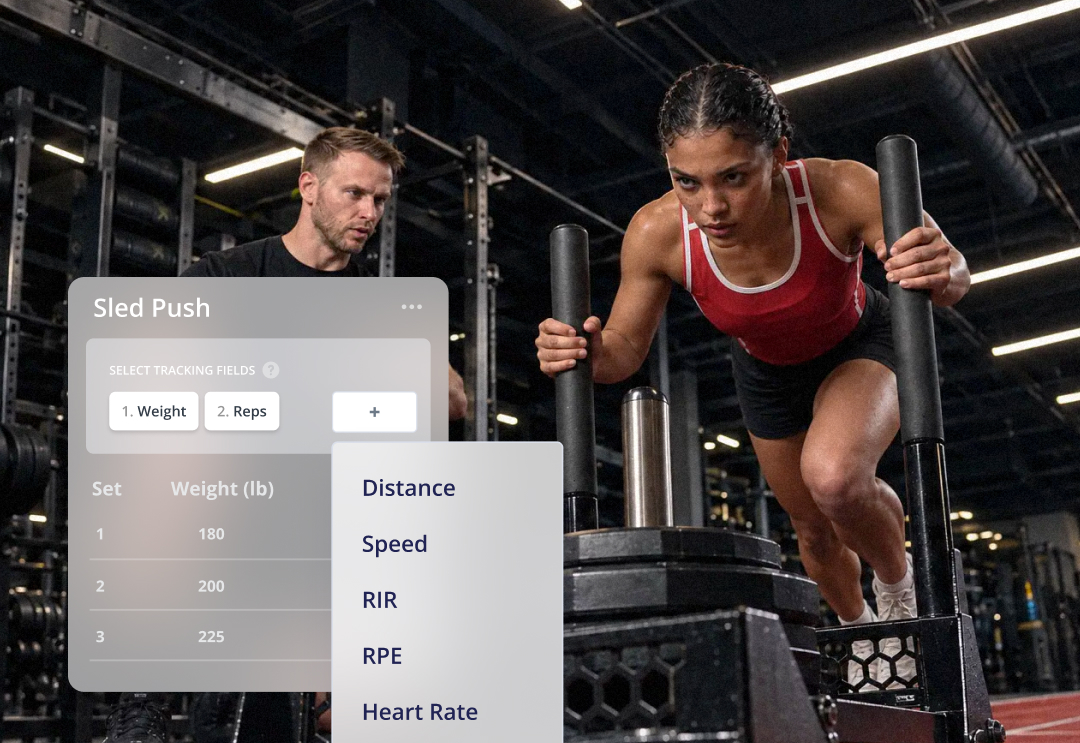
Best way to use it:
- Conditioning and hybrid work: pair distance, time and RPE so you see both output and effort.
- Speed and power training: add speed or cadence next to weight and reps to track quality, not just volume.
- Keep it purposeful: only add the fields you’ll actually review. Fewer fields means faster logging for clients on simple lifts.
Learn how to edit tracking fields
Everfit now syncs with WHOOP
Clients can now connect their WHOOP to Everfit. Recovery Score, Sleep, Sleep Performance and Resting Heart Rate on the recovery side, plus Daily Strain and Calories Burned on the strain side, are updated automatically.
With that data in Everfit, you know how ready a client is, the quality of the rest, and much more before they start to train, not after a session goes wrong.
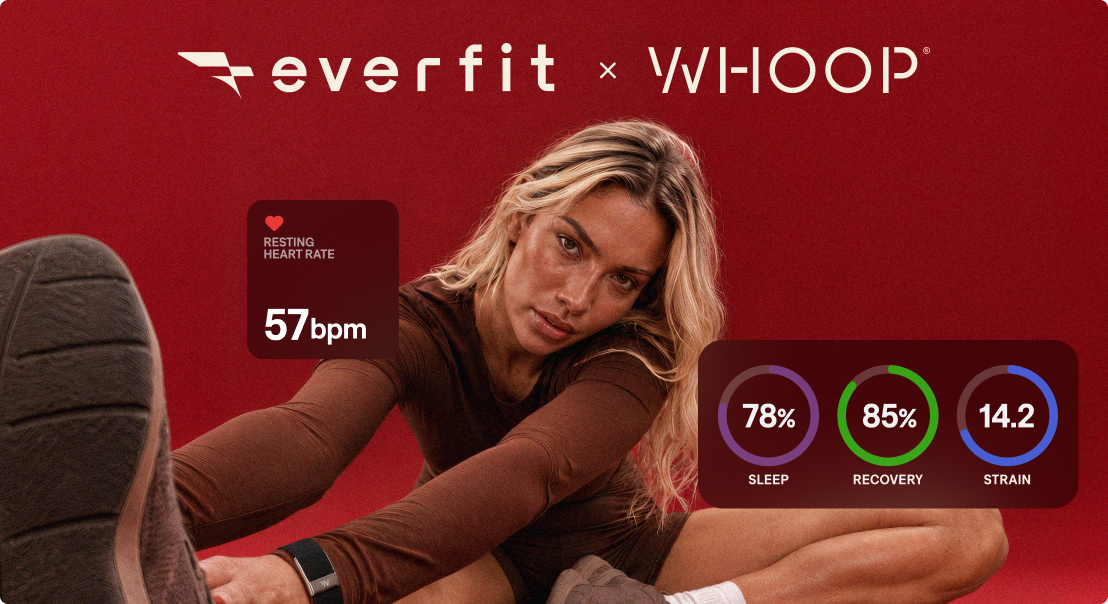
Best way to use it:
- Adjust intensity to recovery: on low-recovery days, swap a heavy session for mobility or a lighter variation. On high-recovery days, push.
- Watch sleep trends, not single nights: a few weeks of slipping sleep performance is a cue to check in about stress or schedule.
- Match nutrition to output: use Daily Strain and Calories Burned to fine-tune fueling on heavy training days.
Learn how clients connect WHOOP to Everfit
Connect Everfit Workouts to Apple Watch
Clients using an iPhone and Apple Watch now get clear, step-by-step guidance right on their phone to start a workout on their Watch. Heart Rate and Calories Burned sync into that workout in Everfit, and the session running on their phone is never interrupted along the way.
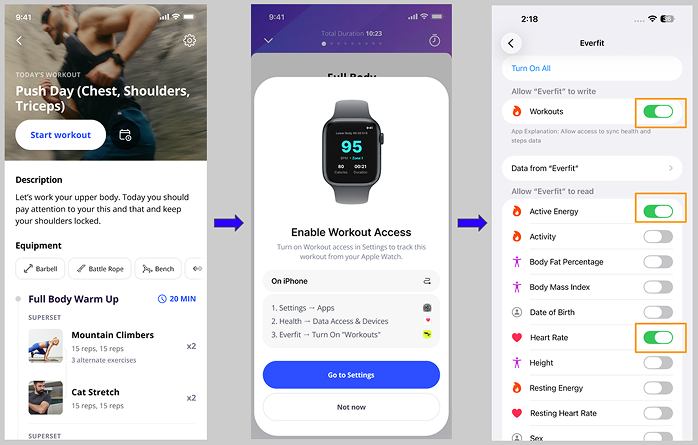
Best way to use it:
- Onboard Apple Watch users early: in a new client’s first week, ask them to start one workout from their Watch so the flow is set up before training gets serious.
- Program by heart rate: for conditioning and zone-based cardio, use the synced heart rate to check clients are working in the zones you set.
- Review effort, not just completion: compare calories burned and heart rate across similar sessions to spot fatigue or fitness gains.
Learn more about smartwatch integration
2 updates to simplify your coaching
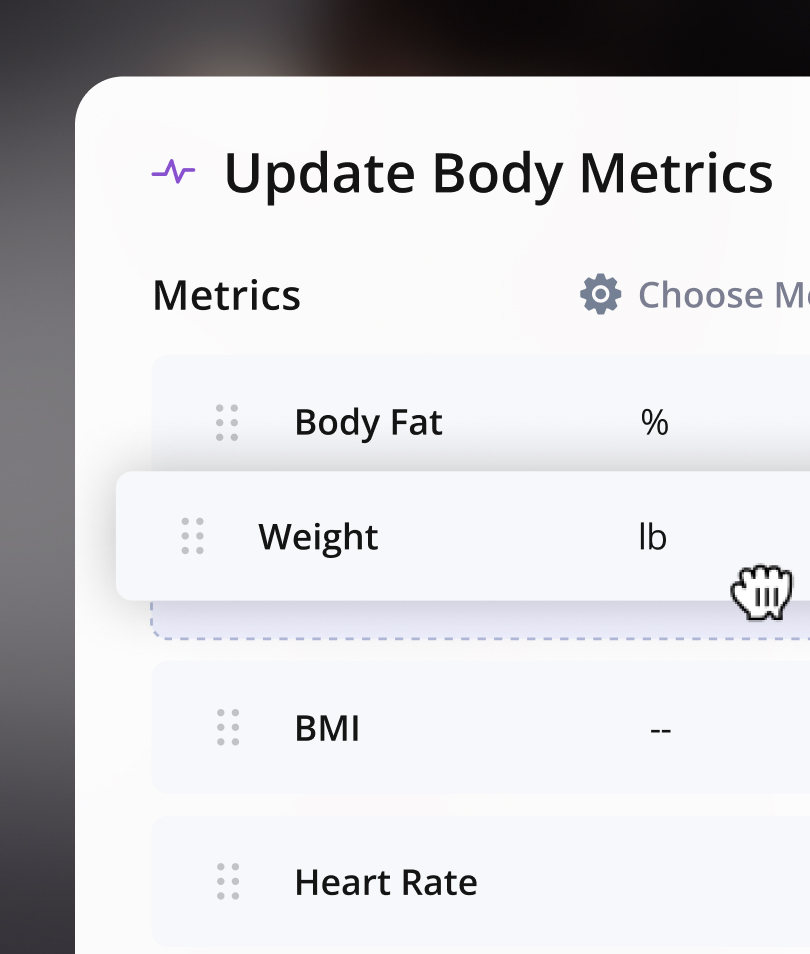
Select the metrics for Body Metrics task
Now you can select, add, remove and reorder the metrics you want clients to log in Body Metrics task. They know what to update, and you see whether they’re on track.
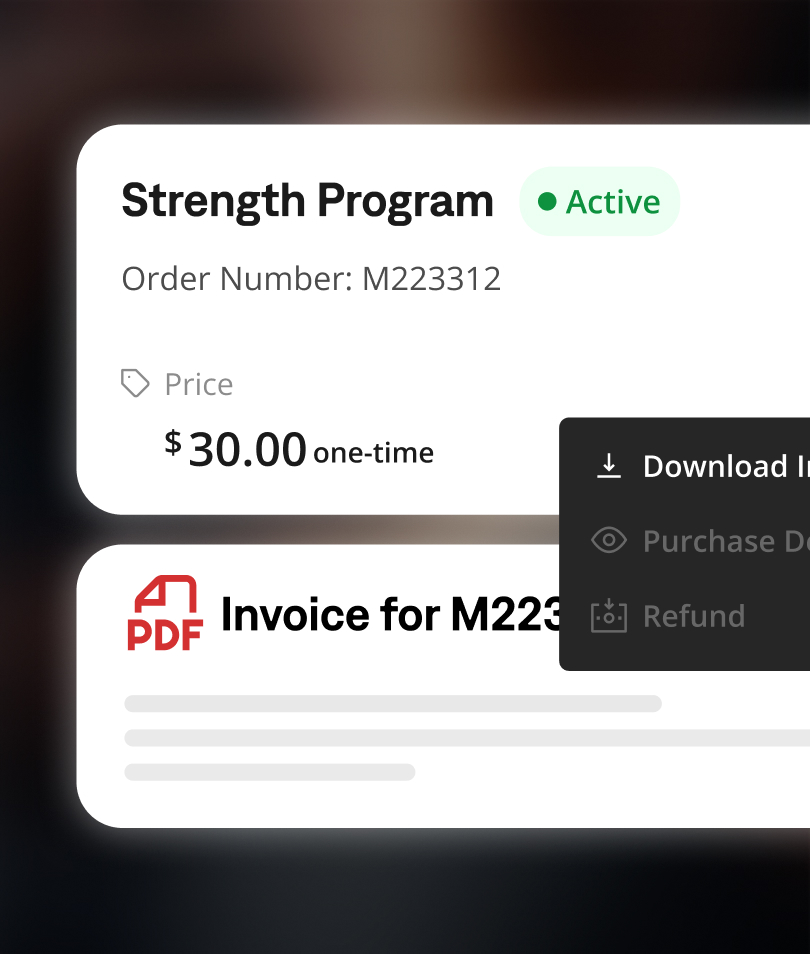
Download client invoices as PDFs
Invoices are ready whenever you need them, for bookkeeping, tax season, or a client who asks for a receipt. No more screenshots or rebuilding invoices by hand.
All updates are live now
Log into your Coach and Client Apps today and explore all updates.