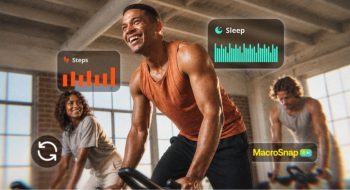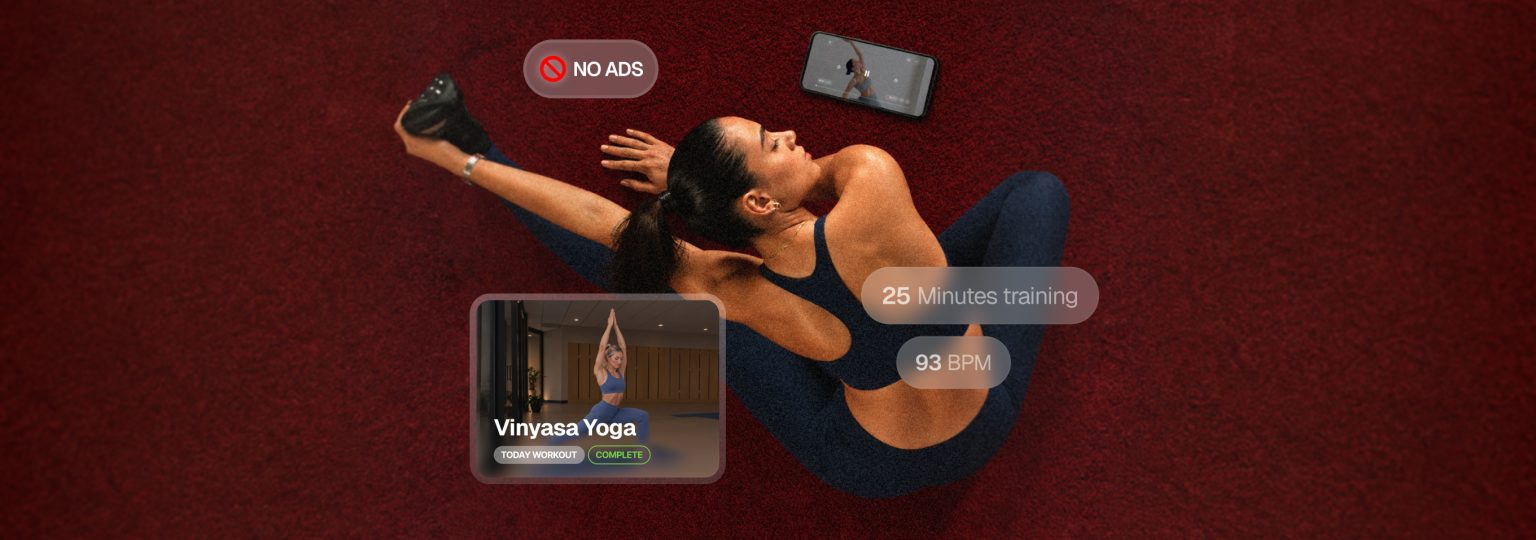

Everfit Video Workouts let you upload your own training videos straight to Everfit, schedule them on your clients’ calendars, and package them into on-demand programs you can sell. Your clients press play, follow along, and their training is logged, all inside the app they already use with you. No YouTube links, no extra Vimeo subscription, no guessing whether they actually trained. Now available with the On-demand training solutions.
Introducing Video Workouts
Most coaches already have great video content. The problem is it lives in YouTube, Vimeo, or social media, for free.
That scattered setup costs you in three ways:
- You can’t see what happened. A YouTube view doesn’t tell you whether your client finished the workout, how hard they worked, or whether they showed up at all.
- Your content isn’t earning. Videos spread across platforms are hard to package into something people will pay for.
- Your clients leave your coaching app to train. Every external link is a break in the experience you’re charging for.
What is Everfit Video Workouts?
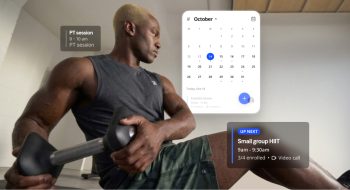
Now with Video Workouts, you can easily upload any follow-along workout directly to Everfit. Instead of sending a client a link, you add the video to their plan like any other workout. They open it in the app and train with you on screen.
As a part on Everfit On-demand Solution for self-paced training, you can add your video to a Workout Collections (your own Netflix-style workout library), Studio Programs, and Resource collections that clients can access anytime. Video Workouts is the newest addition, and it makes your library feel a lot more like a real streaming platform.
How to use Video Workouts
- Upload your videos to Everfit: Building your library takes a few clicks using any format, up to 60 minutes per video, and can be shared with trainers on your team.
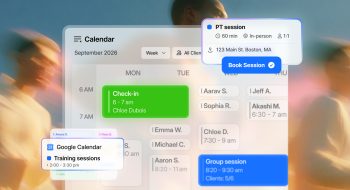
- Assign video workouts to clients: Add them directly to their calendar, or let them schedule the training themselves.
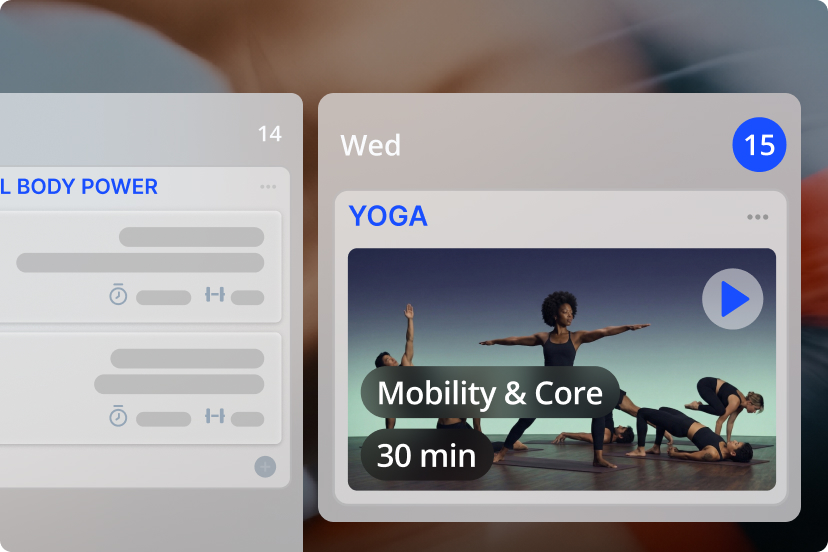
Learn more about how to upload and assign Video Workouts
Example of what video workouts to post on Everfit
Not sure where to start? These formats work well for most coaches:
- Full follow-along workouts: 30–45 minute sessions clients can do start to finish, such as HIIT, cardio, dance class, zumba, and etc.
- Express sessions: 10–20 minute workouts for busy days.
- Warm-ups, mobility, and recovery: short routines clients can stack before or after any workout.
- Technique masterclasses: a deeper breakdown of your key lifts or movements.
- Class recordings: your live or group sessions, ready to replay.
- Welcome and onboarding videos: introduce yourself and set expectations from day one.
What your clients can see
- They can schedule, stop, resume, and retrain the video workouts, showing up exactly alongside the rest of workouts you’ve programmed.
- When it’s time to train, your client taps the workout and follows along with you on screen, right inside the Everfit app.
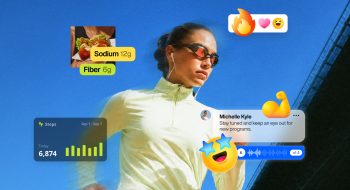
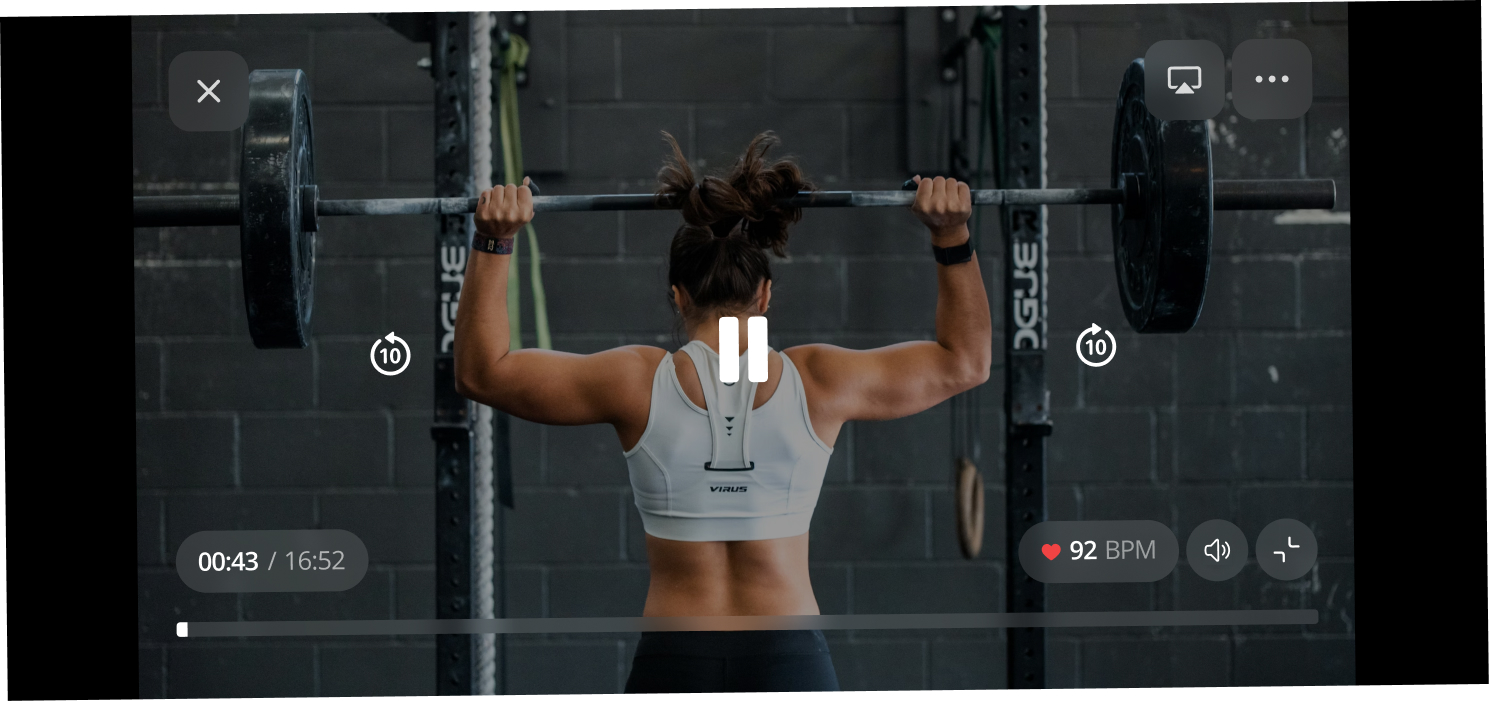
- If they have a compatible smartwatch connected, they’ll see their live heart rate zone while they train. When they finish, the session is saved to their training history with details like training minutes and heart rate.
That’s the real difference from a YouTube link. A video view tells you nothing. A completed Video Workout tells you your client showed up, how long they trained, and how hard they worked, so you can coach from real data in your next check-in.
Manage your video storage
Managing storage is just as easy:
- One place for everything: the Video Storage page shows how much space you’ve used, lists every uploaded video in your workspace, and lets you search for any video.
- Always know where you stand: a small storage indicator in your On-Demand tab shows your usage as you work.
- Free up space anytime: delete videos you no longer need. Any workouts your clients already logged with that video stay in their history.
- Your library is safe: if your On-Demand access ever lapses, your videos are kept for three months, so you can pick up where you left off without re-uploading.
Video Workouts is available on Studio plans, and on Pro plans with the On-Demand Collections add-on.
Your first 20 GB of video storage is free. That’s plenty of room to upload your first collection and launch. As your library grows, you can move up to a larger storage tier at any time, and the extra space is available immediately. See storage options →
Everfit vs. YouTube vs Vimeo for online coaching
YouTube and Vimeo are great video platforms. YouTube is unbeatable for reach, and Vimeo is a solid ad-free host. But neither was built to deliver paid coaching, so you end up running two systems: one to host the video and another to coach and get paid.
| Everfit Video Workouts | YouTube | Vimeo | |
|---|---|---|---|
| Where clients watch | Inside the Everfit Client App beside their default workout (or your branded app) | Training on Vimeo outside your coaching app. But you can embed the video link to Everfit. | Training on Vimeo outside your coaching app. But you can embed the video link to Everfit. |
| Ads and distractions | None | Ads and suggested videos can appear | No ads |
| Schedule on client calendars | Yes | Yes through Everfit. But not through Youtube. | Yes through Everfit. But not through Vimeo. |
| Track completion and heart rate | Yes | Yes, if only through Everfit. Can’t be logged and tracked automatically on Youtube | Yes, if only through Everfit. Can’t be logged and tracked automatically on Vimeo |
| Sell access with built-in payments | Yes, with Everfit Payments | No | Requires a separate setup |
| Part of your coaching platform | Yes | No | No |
Keep using YouTube to get discovered. Use Everfit to deliver the training people pay you for.
Tips to get started
You don’t need a film crew or a 100-video library to launch. The coaches who do well with on-demand start simple, test with the clients they already have, and build from there. Here’s how to set yourself up for a smooth start.
- Start small. Five to ten videos is enough to launch. You can grow the library as clients ask for more.
- Use what you already have. Recordings of past live classes, Zoom sessions, or workouts already on YouTube can all become your first Video Workouts.
- Keep it consistent. Use the same thumbnail style and naming pattern so your library looks professional.
- Organize by goal or level. Group videos into collections like “Beginner Strength” or “15-Minute Mobility” so clients can find what they need.
- Price on-demand as a door, not a discount. Position your video tier as the first step toward working with you 1:1.
- Keep each video focused. One workout per video, with a clear goal and length in the title, such as “20-Minute Lower Body Strength.” Shorter sessions get finished more often.
- Test with your current clients first. Assign a few videos to existing 1:1 clients, ask what they think, and adjust before you start selling.
- Promote with a preview. Post a short clip on social media and link it to your on-demand offer or free starter program.
Key takeaways
Everfit Video Workouts brings your training videos into the same place you program, coach, and get paid. You upload once, assign anywhere, and your clients train inside your app with every session logged.
For your clients, that means a smoother way to train with you between sessions. For your business, it means a library that keeps working after you’ve recorded it, and new ways to earn: on-demand memberships, paid challenges, video-led tiers, and programs for the niches you know best.
Stop sending YouTube links. Start building a video library your clients will pay for. Your first 20 GB is free, so upload your first workout today.