
Heading into Q2 with serious momentum, this month brings 2 new features and 5 highly-requested updates designed to make everyday coaching smoother, smarter, and more connected.
From client communication to community management, every update this month is built around one thing: relationships that last.
🚀 Responses Comparison: See Progress at a Glance
Your clients are making progress. Now you can show them exactly how far they’ve come.
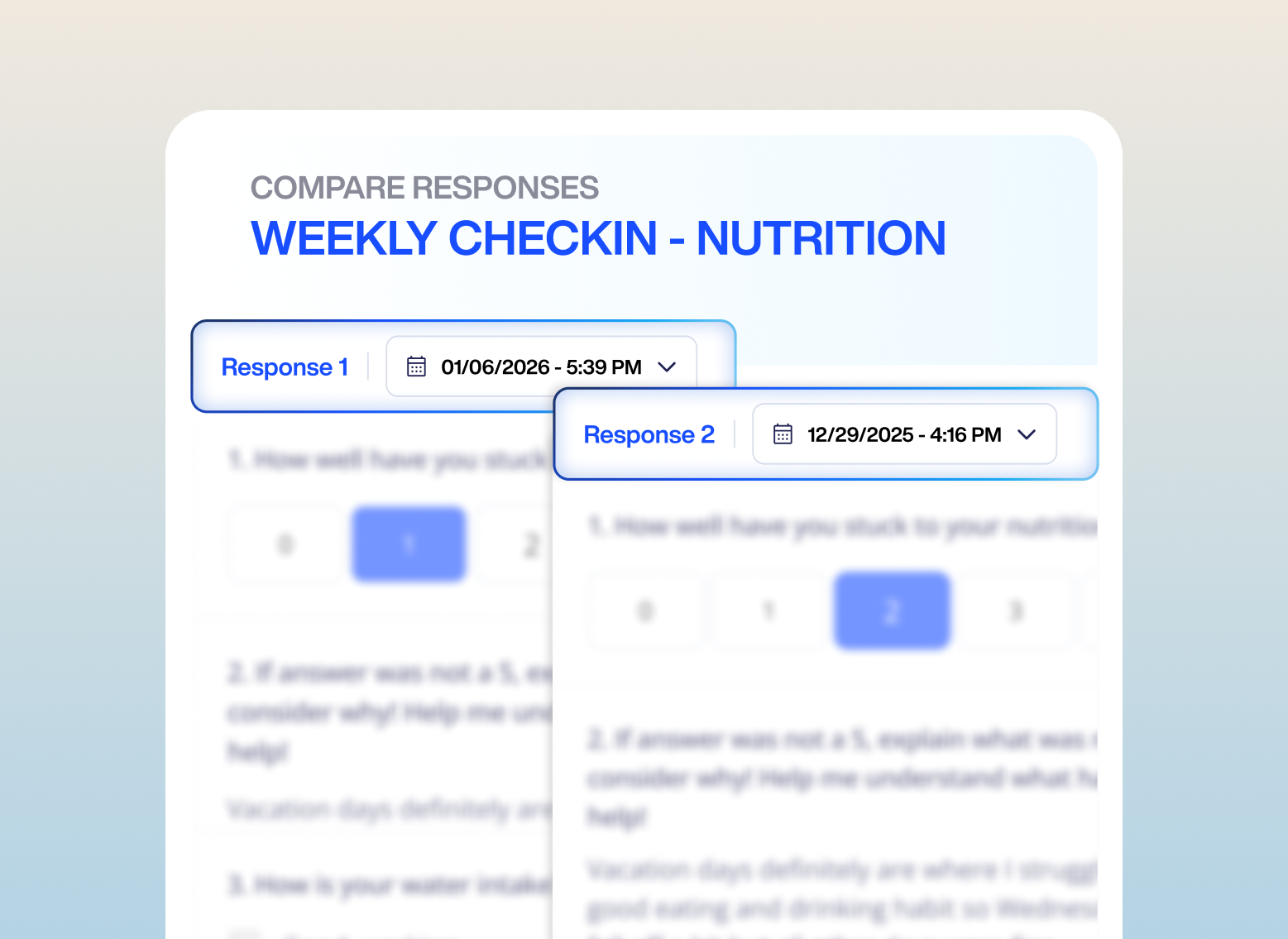
With Response Comparisons, you can pull up any two check-in forms side by side — whether it’s from week one versus week twelve, or last month’s pain assessment versus today’s. No more jumping between tabs and trying to piece together a mental picture.
What this means for your coaching:
- Spot patterns faster. Identify trends, what’s working, and what’s not without any manual digging.
- Have smarter conversations. Come into every check-in already knowing what changed and why it matters.
- Strengthen client retention. Clients who can see their progress are clients who stay.
Learn how to use Response Comparisons
✊ AI Push-Up Challenge
The AI Push-Up Challenge puts a powerful new tool in your hands to keep clients showing up, competing, and having fun doing it.
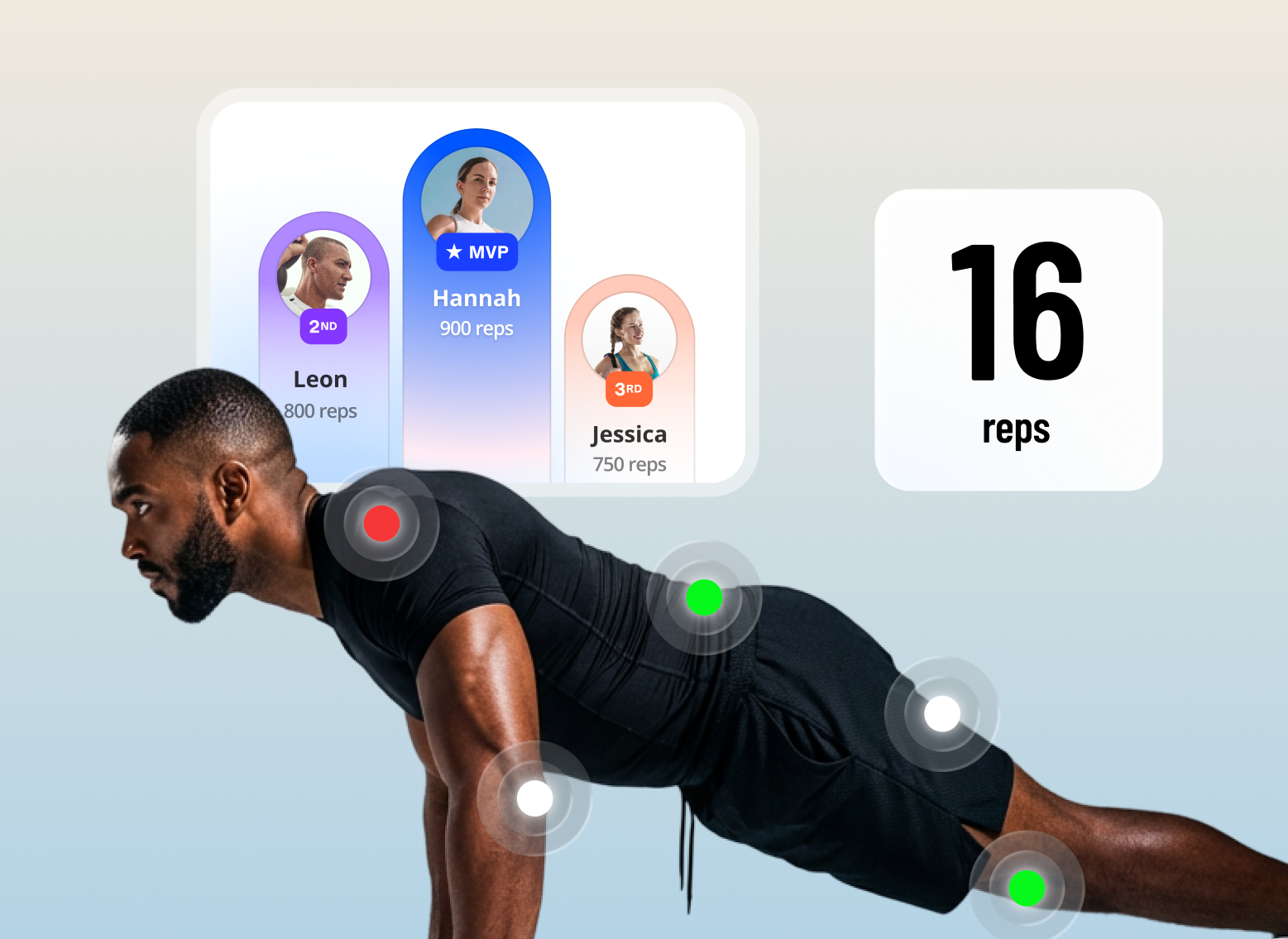
AI instantly detects body position and counts every clean rep in real time — no manual logging, no guesswork. Results sync automatically to a leaderboard the moment they finish.
What this means for your coaching:
- Drive motivation through competition.
- Boost accountability without extra effort.
Set it up through Autoflow in minutes, then let the leaderboard do the work.
How to launch your AI Push-Up Challenge and what your clients see
🚀 5 Highly-requested Updates
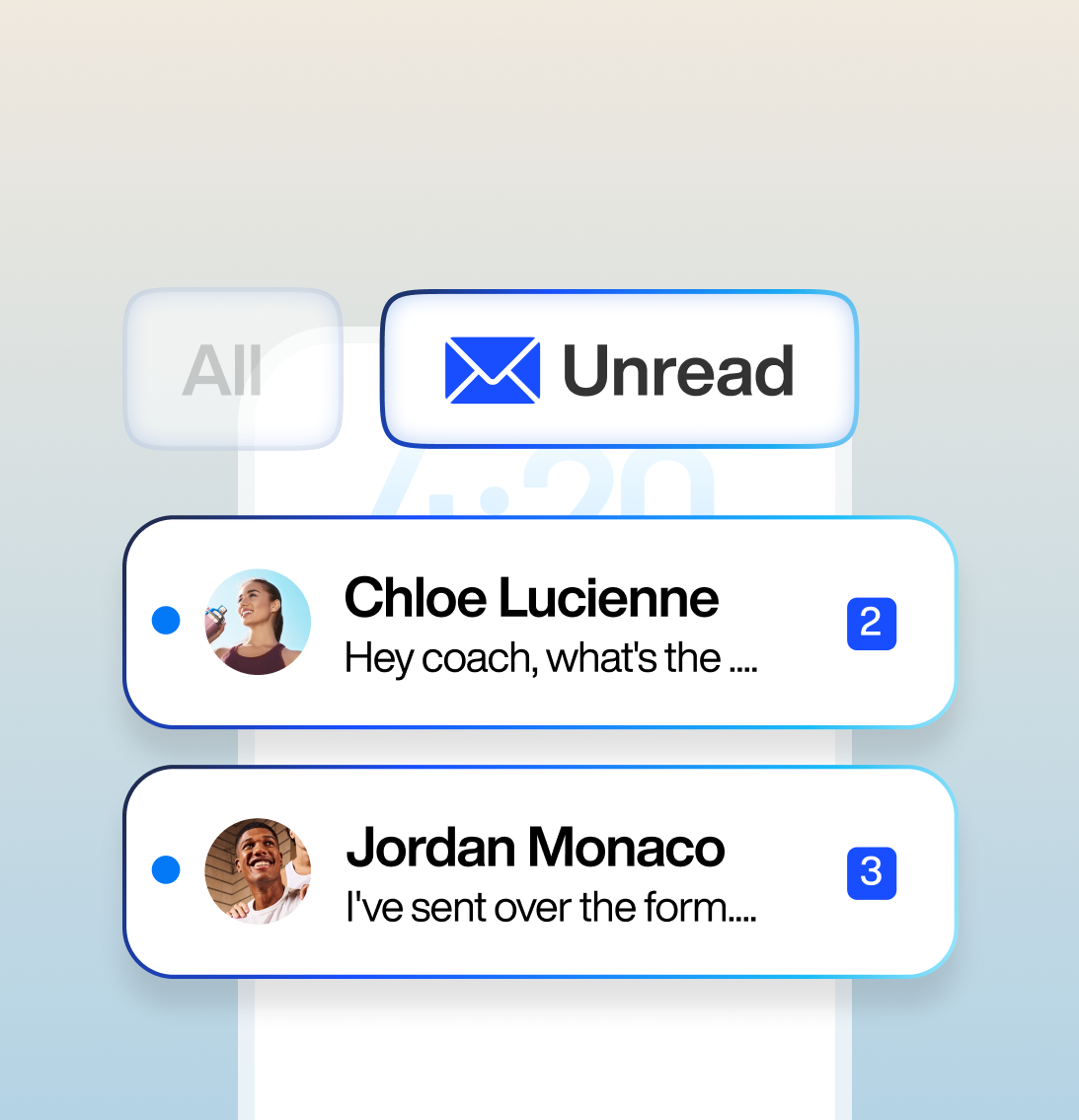
Filter Unread Messages: Stop scrolling through every conversation to find the ones that need your attention. Jump straight to clients who are waiting on a reply so no one falls through the cracks.
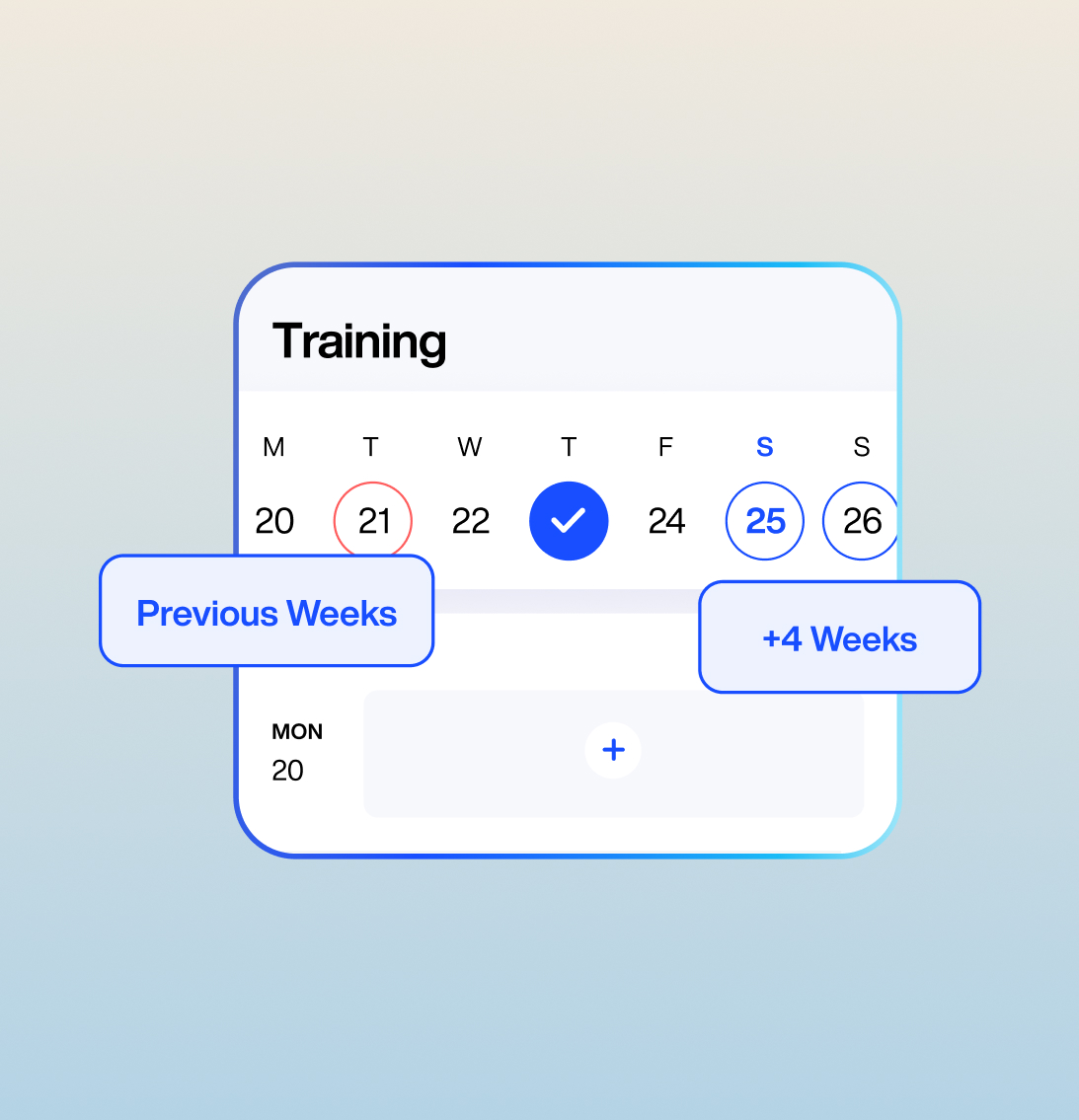
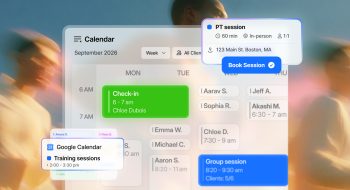
Extend Clients’ Access to Their Training Calendar: You can now control how far back and how far ahead clients can view their training calendar — up to 3 weeks in the past and 4 weeks into the future.
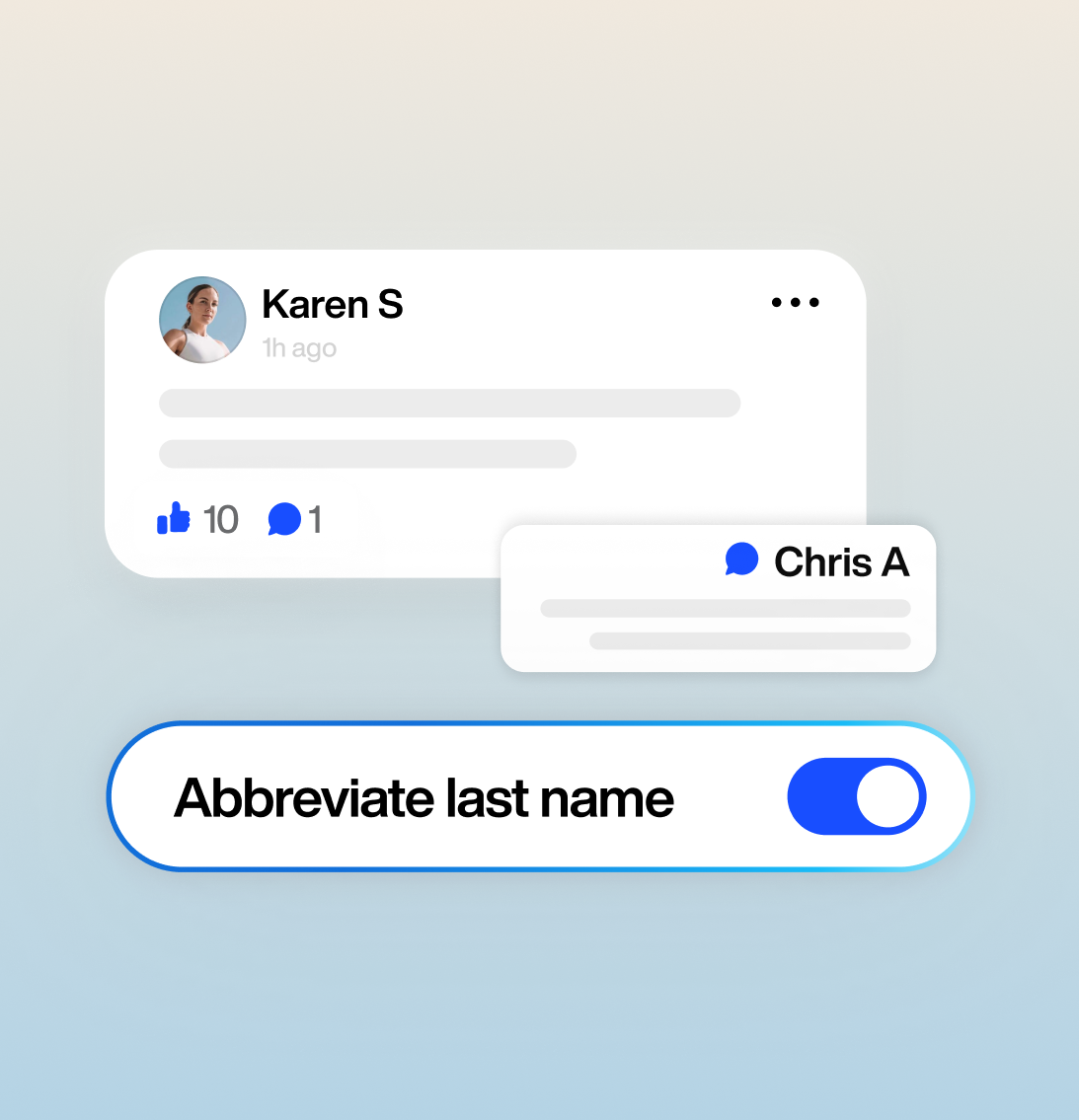
Abbreviate Last Name in Community Forum: Privacy matters, especially in group settings. Members of your community forum will now have only their last initial displayed, lowering the barrier for clients who might hesitate to participate publicly.
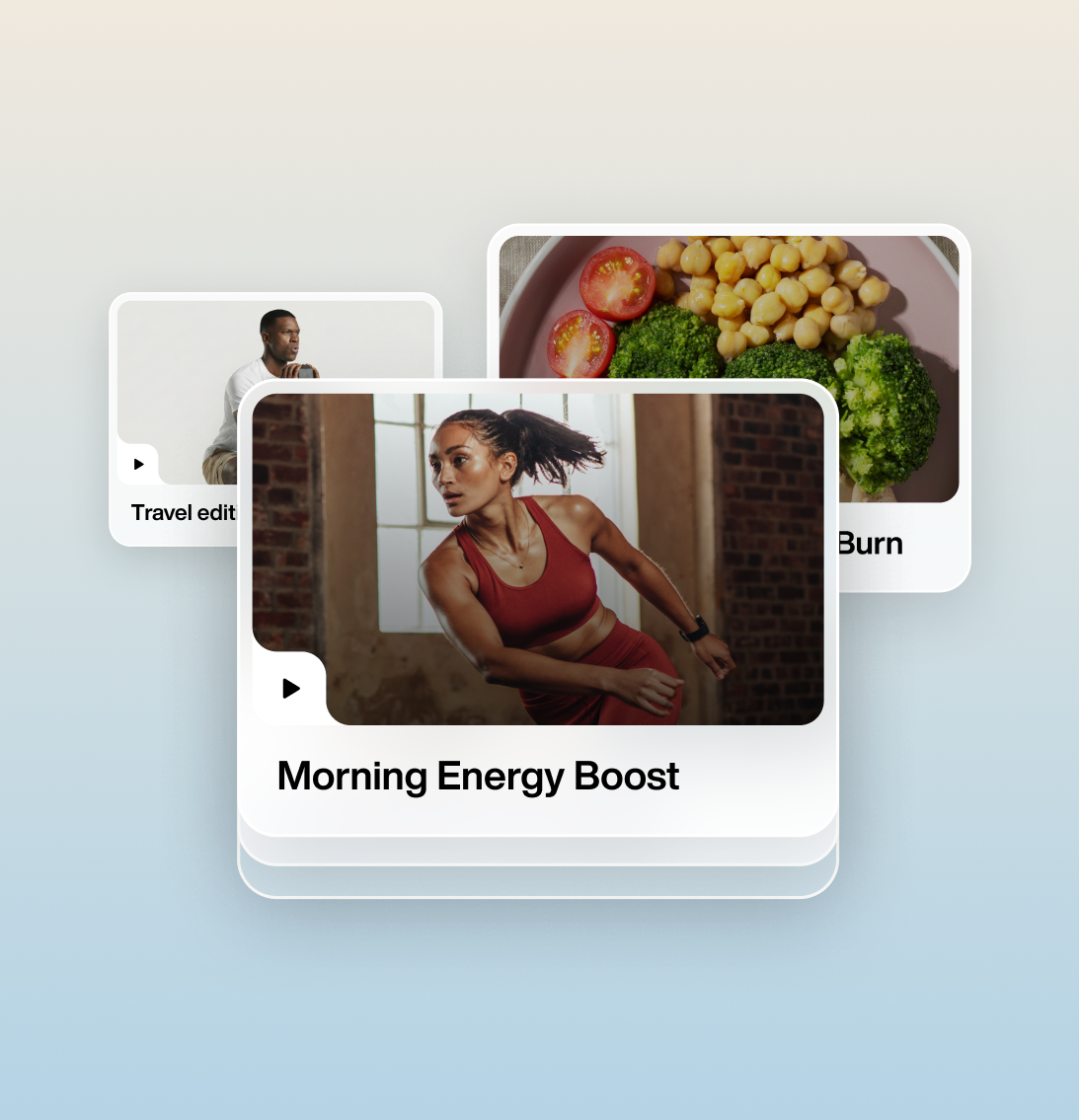
Expanded On-Demand Library: You can now add up to 50 resources per collection and assign up to 50 collections per client — giving you the structure to deliver a truly comprehensive on-demand experience.
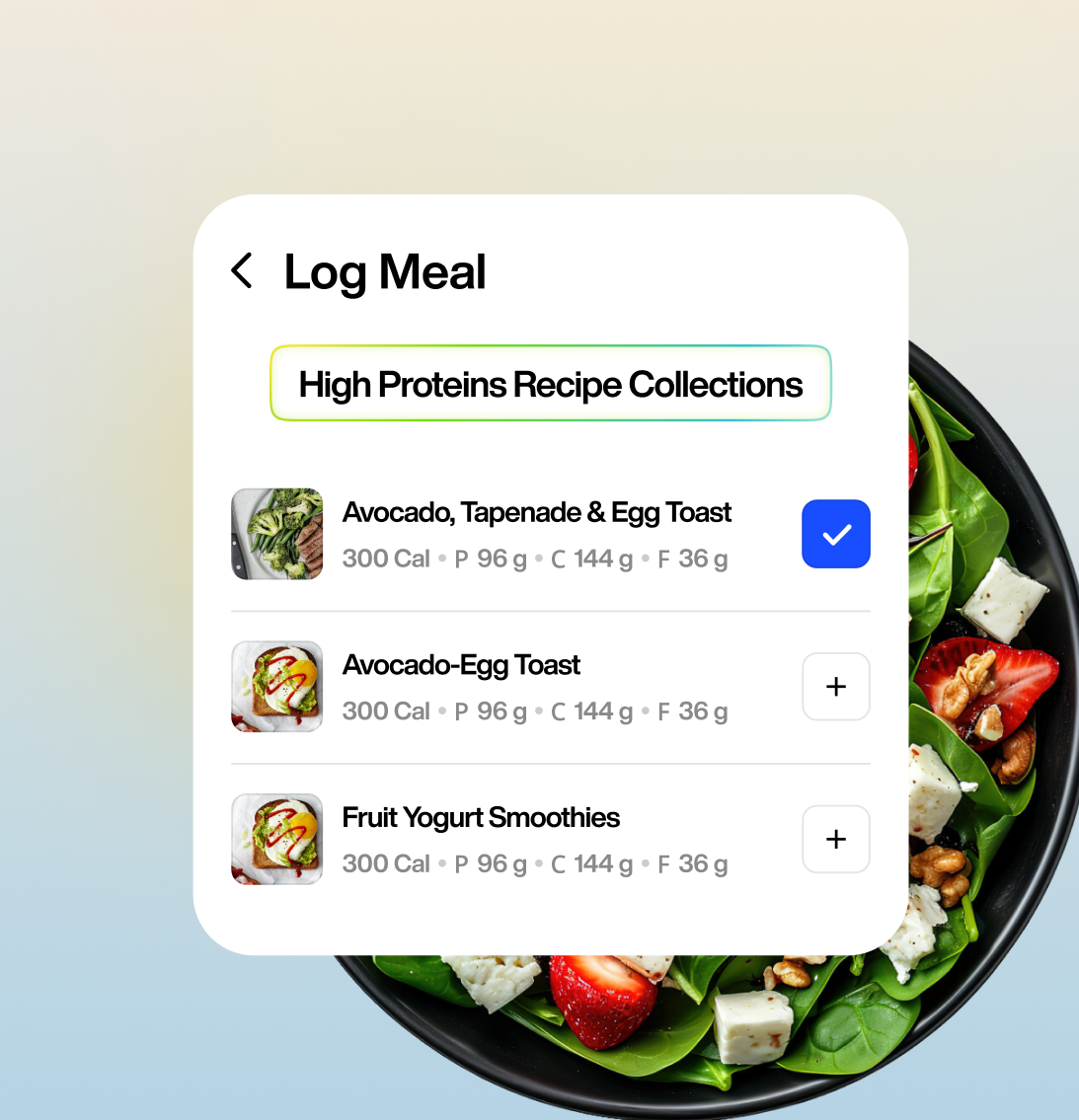
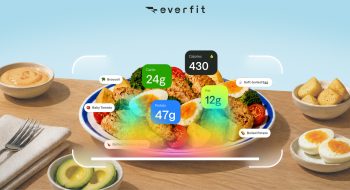
Log Meals Directly from Recipe Collections: Clients can now browse and log meals straight from their assigned Recipe Collections — no searching, no friction. The food is already there, curated by you, ready to track in one tap.
Keep the Momentum Going
Every update this month is rooted in the same idea: great coaching isn’t just about programming. It’s about making progress visible, keeping clients genuinely invested, and giving you the tools to do it all without burning out.
This is your platform working harder so you don’t have to.
The best part? It’s all live right now.
Your next-level coaching era starts today. Go see what’s waiting for you.