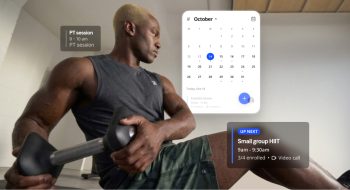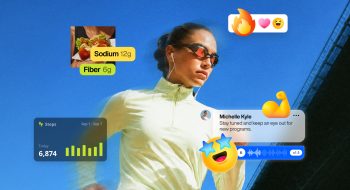
You already have the training content. Workouts you’ve programmed for clients, follow-along routines you’ve filmed, mobility flows you send out every week. But most of it sits in old programs, YouTube links, and PDFs, earning nothing.
Everfit On-demand Workout Collections helps you monetize your training content by turning it into a Netflix-style workout library inside your coaching app. Clients browse, pick a workout, and train on their own, and they still log their sets and reps so you can see their progress.
What is Everfit On-demand Workout Collections?
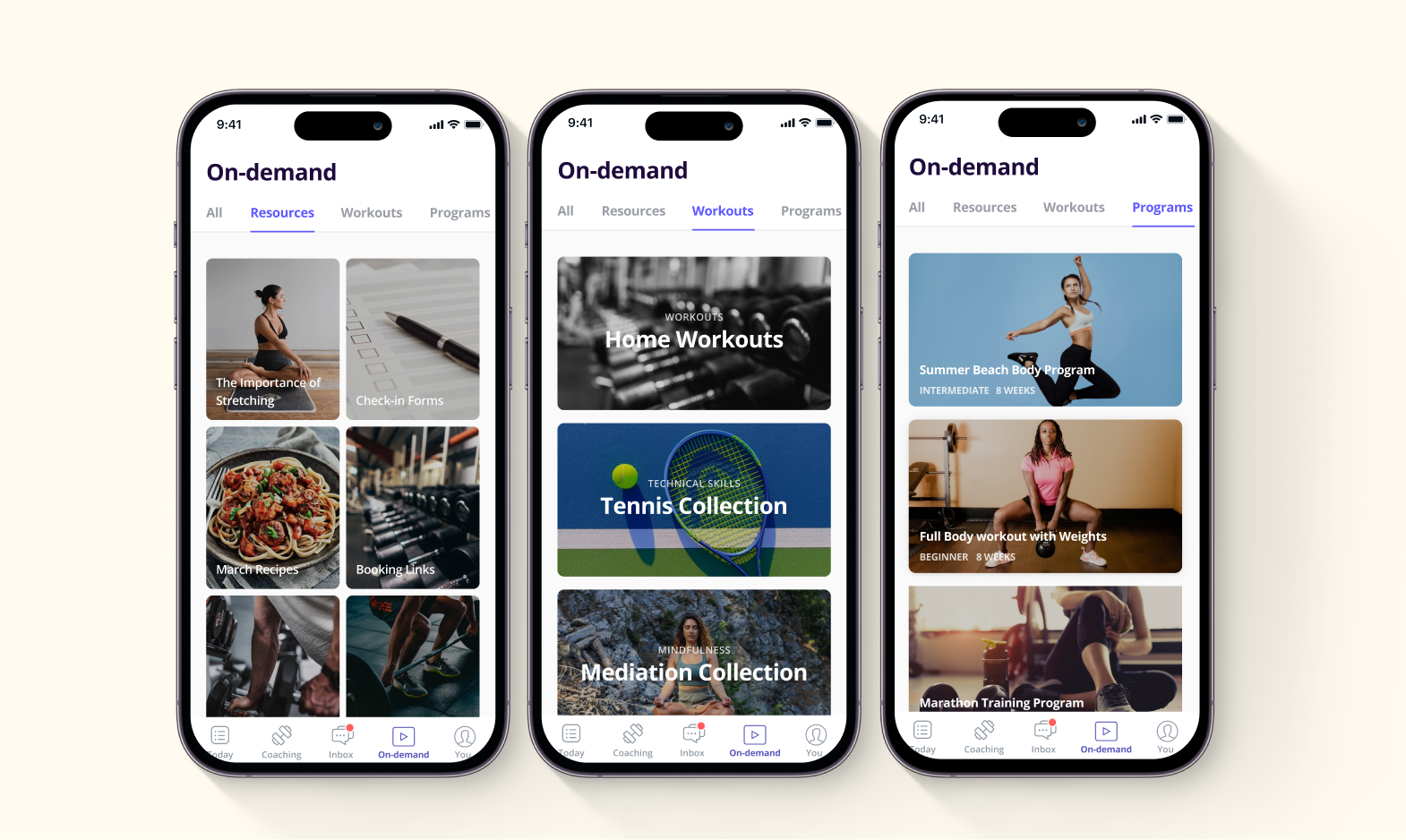
On-demand Workout Collections is an training content portal for your clients to browse anytime and start a workout on their own. You simply organize a folder of workouts for client to do, or you can set up an extensive content portal with workouts and videos that clients can search and engage with on-demand. It’s flexible, powerful, and easy to set up at the same time.
Additionally, you can organize your content with custom categories to structure your workout library to best suit your coaching.
There are 2 workout types you can upload to every collection:
| Regular (trackable) workout | Video Workout | |
|---|---|---|
| What it is | A workout from your Everfit library with exercises, sets, and reps | A video clients watch and follow along with |
| How you add it | Copy any workout you’ve already built in Everfit | Upload a video file (up to 60 minutes) or paste a YouTube or Vimeo link |
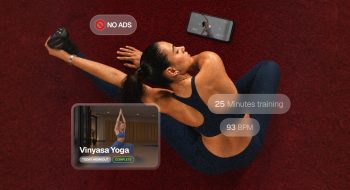
| What clients log | Sets, reps, weight, and completion | Training time, plus heart rate with a connected smartwatch |
| Best for | Strength sessions, conditioning, structured training | Follow-along classes, mobility, recovery, skills and technique |
Learn more about Everfit Video Workouts: Upload, Deliver & Sell Training Videos in One Place.
Once you add a client to a collection, an On-demand tab appears in their app. They can search for a workout or filter by level and duration. Then they start it right away or schedule it on their training calendar for later.
Workout Collections is part of Everfit’s on-demand tools. You can also use Studio Programs for multi-week programs clients start and pause on their own, and Resource Collections for guides, documents, and links.
5 ways to use On-demand Workout Collections
“Limitless Possibilities!” is what many of our coaches call this newly-released feature: On-demand Workout Collections. Here’s how it works, how other coaches use it, and how to set it up and price it.
1. Offer self-guided workouts between sessions
Some clients always want more than their program. They message you asking for something to do on rest days, or they disappear for a week of work travel and come back off track. Instead of writing extra sessions one by one, give them a library they can pull from anytime.
With on-demand coaching, you can create new videos monthly, weekly, or daily for clients to try. Rather than having just one library with all your workouts and videos, you can create fresh content that’s personalized to each group of clients.
Example:
- Travel Workouts: Create workouts they can choose from to easily do in a hotel room or with limited equipment in their hotel fitness center when they are on the go.
- Mobility & Recovery: If your clients need guidance on recovery exercises, offer options like stretching, yoga, or guided meditation through the on-demand library.
- Extra Conditioning: “20-Min Bike Intervals,” “15-Min Core Finisher,” “Zone 2 Walk or Jog Guide” for those weekend warriors who always want extra credit.

2. Build a skills library for your sport
Sport coaches can’t run every drill live. Athletes need to practice between lessons, review technique before a game, and build the strength that supports their skills. A collection organized by skill lets them do all of that on their own.
This fits golf, tennis, running, combat sports, team sports, and any coach who teaches technique as well as fitness. Athletes get a go-to place for drills and training. You get a product that sells itself every season and keeps athletes connected to you between lessons.
Example: Scott Deakins of Under Par Performance Golf uses On-demand Workout Collections to give golfers flexible training they can fit into their own routines. Paired with automated onboarding, his business saw a 61% increase in customer retention.
Tip:
- Leverage the video workouts for this type of collections, keeping them short and focused on one skill each.
- Use the level label so beginners and advanced athletes can find their starting point.
3. Launch a low-cost subscription
Not everyone can pay for 1:1 coaching, but many of those people still want to train with you. Maybe they follow you on Instagram, sit on your waitlist, or reached out once and went quiet after seeing your price. A workout library lets you serve them at a lower price, without adding hours to your week.
A membership turns those “not right now” leads into paying clients, and it gives you recurring revenue that doesn’t depend on your calendar.
Example: FlowZone Mountain Fitness trains skiers, snowboarders, and trail runners. In-person coaching in the mountains is expensive, so founder Jess Gresho sells her training as a membership using Everfit’s on-demand collections. Everyday athletes get expert training at a price they can afford, and Jess still offers 1:1 coaching for those who want more support.
Tip: Many coaches on Everfit have successfully implemented the power tools (such as Autoflows, Everfit Payments and On-demand Programs) to make this tiered coaching easy.
- Tier 1: $$$ High-end offer (1-on-1 coaching, where clients get the most attention)
- Tier 2: $$ Medium-priced Offer (Access to program with minimal check-ins and changes)
- Tier 3: $ Low Touch Solution (On-demand workouts and resources)
4. Offer a free starter collection as lead generation
A free collection lets people try your coaching before they buy. It works like a lead magnet, but it lives inside your app instead of sitting forgotten in someone’s downloads folder. When people like what they see, the next step is your paid library or 1:1 coaching.
This is ideal for coaches with a social media following, an email list, or a website that gets traffic but doesn’t convert. New leads experience your coaching firsthand. You get a steady flow of warm prospects who already trust you before you ever ask for a sale.
Example: Rachel Henley started her funnel the same way. Her free fitness program was downloaded more than 150,000 times. She then pointed those followers to her low-cost on-demand subscription, and from there to her group and 1:1 coaching.
5. Keep clients who are about to leave
Clients leave for all kinds of reasons: a tighter budget, a new job, a busy season, or simply finishing their program. When that happens, most coaches lose them for good. Library access at a lower price gives them a way to keep training with you instead of walking away.
This works for any coach who loses clients to cancellations or runs fixed-length programs. Clients keep their routine and their progress. You keep the relationship and some of the revenue, and they’re one step away from coming back to 1:1 when life settles down.
Example: Rachel Henley of Henley Fitness runs three tiers: 1:1 coaching, group coaching, and a low-cost on-demand workout and program subscription. When clients finish group coaching or can’t commit to intensive coaching anymore, she moves them to her on-demand tier. As a result, 60% of her clients stay with her instead of leaving.
“Limitless Possibilities!” is what many of our coaches call this newly-released feature: On-demand Workout Collections. Here’s how it works, how other coaches use it, and how to set it up and price it.
How to set up your Workout Collection
With just 5 steps, you can quickly set up your first Workout Collection and start scaling your coaching right away.
- Create your on-demand workouts. Pick a trackable workout from your Everfit library or add a Video Workout.
- Create a collection. Give it a name, a cover image, and a short description.
- Add categories. Group workouts by goal, level, week, or workout type.
- Add workouts to each category. Then turn the categories on.
- Publish and share. Assign clients directly, or add the collection to a Package to sell it.
For the full step-by-step guide, see Workout Collections in the Everfit Help Center.
A few tips to set it up the right away
- Start with 10 to 15 workouts. A small library that’s easy to browse beats a big one that’s hard to navigate. Add more based on what clients ask for.
- Put the length and goal in every title. “20-Min Lower Body Strength” tells clients exactly what they’re getting, so they choose faster.
- Organize by what clients look for. Clients search by goal, time, and equipment, not by how you program. Name your categories that way.
- Mix both workout types. Video builds a connection with you. Tracking shows clients their progress. Together, they keep people coming back.
- Use the data in your check-ins. See which workouts clients finished and how much they lifted, then mention it. Self-guided clients still feel coached.
- Test it with current clients first. Give a few 1:1 clients access, ask what they think, and fix what’s unclear before you start selling.
- Keep the look consistent. Use the same thumbnail style and naming pattern so your library looks professional.
Wrapping Up
In summary, many individuals are looking for more flexibility in their fitness routine. The on-demand workout library provides a Netflix-style training routine for clients to pick and choose workouts whenever they want. With workouts on demand, you’re only limited by your creativity. There are many ways you can use on-demand workouts to elevate your coaching. Survey your clients and prospects, or simply fill a hole for your target market. Don’t overcomplicate it!
Start the On-demand era by delivering your own content hub today!
FAQ about Everfit On-demand Workout Collections
Which Everfit plans include Workout Collections?
Workout Collections is included in the Everfit Studio plan. On other plans, you can get it with the On-demand Collections add-on. See Everfit pricing for current plans.Can clients track their progress in on-demand workouts?
Yes. With trackable workouts, clients log their sets, reps, and weight, just like their regular program. With Video Workouts, their training time is logged, plus heart rate if they connect a compatible smartwatch.
Can I use YouTube or Vimeo links instead of uploading videos?
Yes. You can upload a video file or paste a YouTube or Vimeo link when you create a Video Workout.
How do I sell access to my workout library?
Add the collection to an Everfit Package and set a one-time or recurring price. When a client buys, they get access automatically.